
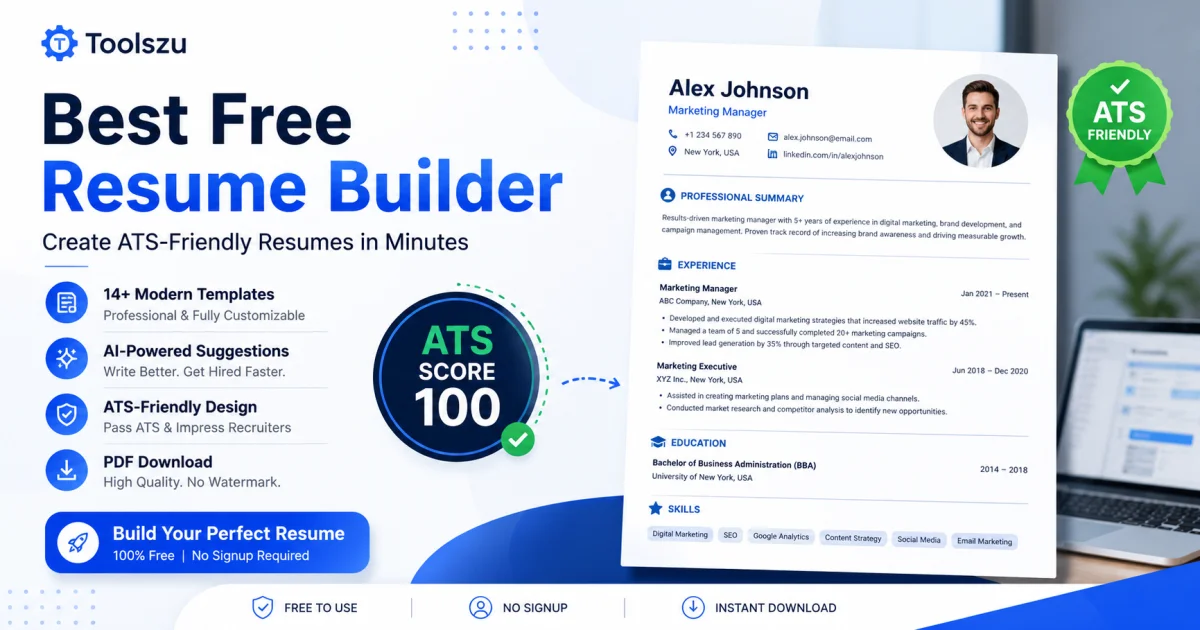
Best Free Resume Builder – ATS Score 100 Resume Maker
Table of Contents
Finding a job is competitive, and your resume is often the first impression you make. Many qualified candidates never reach the interview stage because their resumes fail Applicant Tracking System (ATS) checks or look outdated. A modern, ATS-friendly resume builder solves this problem by helping you create a professional resume that is easy for recruiters and hiring software to read. With the Toolszu Resume Builder, you can build a clean, customizable resume, improve your content with AI suggestions, and download a high-quality PDF without watermarks or signup requirements.
Why an ATS-Friendly Resume Matters
Most companies use Applicant Tracking Systems (ATS) to screen resumes before a recruiter reviews them. These systems scan your resume for relevant keywords, formatting, and readability.
A resume that is difficult to parse may be rejected even if you have the right qualifications.
An ATS-friendly resume should:
-
Use a clean and structured layout.
-
Include relevant job-related keywords.
-
Avoid unnecessary graphics and complex tables.
-
Use readable fonts and consistent formatting.
-
Highlight achievements with measurable results.
Creating a resume with these best practices improves your chances of reaching the interview stage.
What Makes Toolszu Resume Builder Different?
The Toolszu Resume Builder is designed to help job seekers create professional resumes quickly while following modern hiring standards.
Professional Resume Templates
Choose from multiple modern resume templates suitable for freshers, experienced professionals, students, and career changers. Each template is designed for excellent readability and ATS compatibility.
AI Writing Assistance
Writing resume content can be challenging. AI-powered suggestions help improve summaries, work experience, and skills so your resume sounds more professional and impactful.
ATS-Friendly Design
The layouts focus on simplicity and proper structure, making them easier for ATS software to process while remaining attractive to recruiters.
PDF Download Without Watermark
Download a high-quality PDF ready for job applications without adding unwanted branding or watermarks.
No Signup Required
Start building your resume immediately without creating an account, making the entire process fast and convenient.
How to Create a Professional Resume
Creating an effective resume is easier when you follow a clear process.
1. Choose the Right Template
Select a layout that matches your industry and experience level. A simple design often performs better than an overly decorative one.
2. Write a Strong Professional Summary
Introduce yourself in two to four sentences. Mention your experience, strongest skills, and career goals.
Example:
Results-driven marketing professional with 5+ years of experience in digital campaigns, SEO, and content strategy. Proven ability to increase organic traffic and improve conversion rates.
3. Highlight Your Experience
Focus on achievements instead of responsibilities.
Instead of:
-
Responsible for social media.
Write:
-
Increased social media engagement by 42% through targeted content campaigns.
Numbers make your accomplishments more credible.
4. Add Relevant Skills
Include technical skills, software knowledge, certifications, and soft skills that match the job description.
5. Proofread Before Downloading
Even a small spelling mistake can reduce your credibility. Carefully review your resume before sending it to employers.
Tips to Improve Your ATS Score
A high ATS score isn't about tricking software. It's about presenting relevant information clearly.
Some practical tips include:
-
Match keywords from the job description naturally.
-
Use standard section headings like Experience, Skills, and Education.
-
Keep formatting clean and consistent.
-
Avoid excessive graphics and icons.
-
Save your resume as a professional PDF.
Helpful Resume Tools
Along with the Resume Builder, Toolszu offers several useful tools that can improve your job application process.
You can organize important employment dates using the Date Calculator, create professional documents with the PDF Converter, and prepare polished application materials using the AI Writing Tools. These tools work together to simplify your job search while saving time.
Resume Best Practices Recommended by Experts
Career experts consistently recommend keeping resumes concise, relevant, and achievement-focused. According to the National Careers Service, employers often spend only a short time reviewing each application, making clarity essential. Similarly, guidance from Harvard Career Services emphasizes tailoring your resume to each position and focusing on measurable accomplishments rather than generic responsibilities.
Frequently Asked Questions
Is the Toolszu Resume Builder really free?
Yes. You can create and download professional resumes without paying, adding a watermark, or creating an account.
Is it suitable for ATS screening?
Yes. The templates are designed with ATS-friendly formatting that improves compatibility with modern recruitment software.
Can freshers use this resume builder?
Absolutely. It includes templates suitable for students, fresh graduates, and experienced professionals.
Can I edit my resume before downloading?
Yes. You can customize every section, update information, and preview your resume before exporting the final PDF.
Should I customize my resume for every job?
Yes. Tailoring your resume to match each job description significantly improves your chances of passing ATS screening and getting interviews.
Conclusion
A professionally designed resume can make a meaningful difference in today's competitive job market. Instead of struggling with formatting or outdated templates, use a resume builder that follows modern hiring standards and helps you present your skills effectively. The Toolszu Resume Builder combines ATS-friendly templates, AI-powered writing assistance, and high-quality PDF downloads to help you create a resume that stands out. Start building your professional resume today and take the next step toward your career with confidence.

Akash
Founder & Content Writer
Founder of Toolszu, creating practical content around technology, AI, online tools, SEO, and digital productivity. Akash focuses on building useful digital solutions and sharing insights that help people work smarter.