
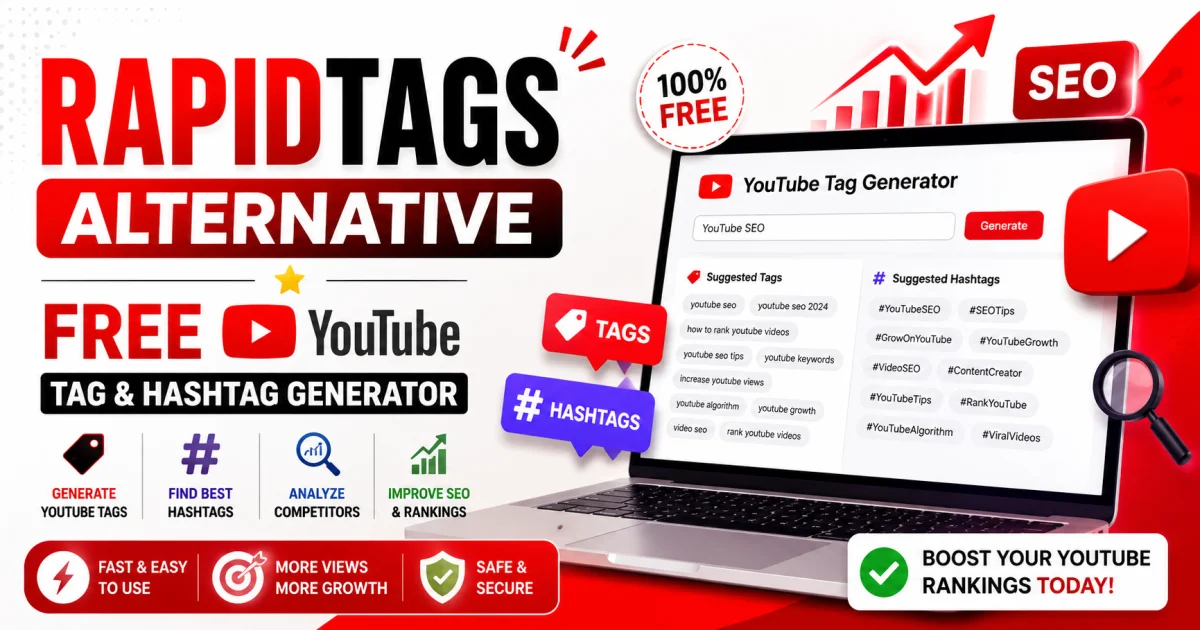
Rapidtags – Free YouTube Tag Generator and Hashtag Generator Alternative
Table of Contents
Creating great YouTube videos is only half the battle. The real challenge is helping people discover your content. Many creators spend hours searching for the right keywords, tags, and hashtags, only to wonder why their videos aren't getting enough views. While tools like Rapidtags simplify this process, there are excellent free alternatives that make YouTube SEO even easier.
If you're looking for a fast and free way to generate relevant YouTube tags and hashtags, Toolszu offers dedicated tools that help creators optimize their videos in seconds. Whether you're uploading tutorials, gaming videos, tech reviews, vlogs, or YouTube Shorts, using relevant metadata can improve your video's discoverability and make it easier for the right audience to find your content.
What Is Rapidtags?
Rapidtags is a popular online tool that helps YouTube creators generate keyword-based tags for their videos. Instead of manually brainstorming tags, users simply enter a keyword and receive a list of relevant suggestions.
Although YouTube's algorithm has evolved significantly over the years, tags still help YouTube understand your content, especially when viewers search using different keyword variations or common misspellings. Hashtags also make videos easier to discover and help organize related content across YouTube.
If you're looking for a free alternative, you can use the YouTube Tag Generator to generate SEO-friendly tags and the YouTube Hashtag Generator to create relevant hashtags for your videos.
Why YouTube Tags and Hashtags Still Matter
Many creators believe tags are no longer useful. While they aren't the strongest ranking factor today, they still play an important supporting role in YouTube SEO.
Benefits of YouTube Tags
-
Help YouTube understand your video's topic.
-
Support keyword variations and alternate spellings.
-
Improve metadata consistency.
-
Assist with niche and specialized searches.
-
Provide additional context for your content.
Benefits of YouTube Hashtags
-
Improve video discoverability.
-
Group similar content together.
-
Help viewers explore related videos.
-
Increase visibility around trending topics.
-
Make YouTube Shorts easier to find.
According to the official YouTube Help documentation on hashtags, hashtags can improve content discovery when they are relevant and used appropriately.
How to Generate YouTube Tags for Free
Generating optimized tags only takes a few seconds.
Step 1: Enter Your Main Keyword
Think about the primary topic of your video.
Examples include:
-
AI Tools
-
PUBG Mobile Tips
-
Free Fire Gameplay
-
Photoshop Tutorial
-
Excel Course
-
Cooking Recipes
Step 2: Generate Relevant Tags
Open the YouTube Tag Generator and enter your keyword. The tool instantly suggests dozens of relevant YouTube tags based on your topic.
Step 3: Select the Most Relevant Tags
Choose tags that accurately describe your video. Avoid using unrelated trending keywords simply because they are popular.
Step 4: Add Them to Your Video
Copy the generated tags and paste them into your YouTube upload settings before publishing.
How to Generate YouTube Hashtags
Hashtags work differently from tags. They appear above your video title and help viewers discover related content.
Simply enter your topic into the YouTube Hashtag Generator to instantly generate relevant hashtags.
Examples include:
-
#YouTubeSEO
-
#TechTutorial
-
#Gaming
-
#AI
-
#Shorts
It's generally better to use a few highly relevant hashtags rather than dozens of unrelated ones.
Analyze Competitors with Tag and Hashtag Extractors
One of the easiest ways to improve your YouTube SEO is by studying successful videos in your niche.
Instead of guessing which keywords creators use, you can analyze them directly.
The YouTube Tag Extractor lets you view publicly available tags used in YouTube videos. This can help you discover keyword ideas and better understand how top creators optimize their content.
Likewise, the YouTube Hashtag Extractor allows you to identify hashtags used by other videos, making it easier to research trends and create optimized content.
These tools are especially useful when planning new videos around competitive topics.
Best Practices for YouTube SEO
Generating tags is only one part of a successful YouTube SEO strategy.
Write Keyword-Focused Titles
Include your primary keyword naturally near the beginning of the title whenever possible.
Create Detailed Descriptions
Write descriptions that clearly explain your video's content while naturally including relevant keywords.
Design Eye-Catching Thumbnails
A compelling thumbnail improves click-through rate, which can positively impact video performance.
Use Relevant Hashtags
Stick to three to five hashtags that accurately describe your content instead of stuffing your description with unnecessary hashtags.
Focus on Watch Time
Viewer retention and watch time remain among the most important ranking signals on YouTube. Create valuable content that keeps viewers engaged until the end.
For additional guidance, explore the official YouTube Creator Tips provided by Google.
Common Mistakes to Avoid
Many creators unknowingly hurt their YouTube SEO by making avoidable mistakes.
Avoid these common issues:
-
Using irrelevant or misleading tags.
-
Stuffing dozens of keywords into your metadata.
-
Copying competitor tags without checking relevance.
-
Ignoring your video title and description.
-
Using unrelated trending hashtags.
-
Focusing on SEO while neglecting content quality.
Always prioritize relevance and user experience over quantity.
Frequently Asked Questions
Is Rapidtags free?
Yes. Rapidtags offers free YouTube tag generation. However, there are also free alternatives like Toolszu that provide separate generators and extractors for both YouTube tags and hashtags.
Do YouTube tags still help SEO?
Yes. While tags are no longer a primary ranking factor, they help YouTube better understand your content, especially for keyword variations and spelling differences.
How many hashtags should I use on YouTube?
Three to five relevant hashtags are usually sufficient. Using too many hashtags may reduce their effectiveness.
Can I view tags from other YouTube videos?
Yes. The YouTube Tag Extractor lets you view publicly available tags from YouTube videos for research purposes.
Should every YouTube video have different tags?
Yes. Each video should have tags that accurately reflect its unique topic while maintaining consistency with your overall channel niche.
Conclusion
Using the right YouTube tags and hashtags can make it easier for YouTube to understand your content and help viewers discover your videos. While they won't replace great content, they remain an important part of a well-rounded YouTube SEO strategy.
Whether you're creating tutorials, gaming videos, educational content, product reviews, or YouTube Shorts, using tools like the YouTube Tag Generator, YouTube Hashtag Generator, YouTube Tag Extractor, and YouTube Hashtag Extractor can save time and help you optimize every upload more effectively.
Start with relevant keywords, create valuable content, and continue refining your YouTube SEO strategy over time for sustainable channel growth.

Akash
Founder & Content Writer
Founder of Toolszu, creating practical content around technology, AI, online tools, SEO, and digital productivity. Akash focuses on building useful digital solutions and sharing insights that help people work smarter.